

How to Update a Cronjob Email Address in cPanel
You can enable cronjob notifications or update a cronjob's email address in cPanel.
1. Log in to your cPanel account.
2. In the Advanced section, click on Cron Jobs.

3. Under Cron Email, you should enter your full email address in the text field.
4. Click on Update Email.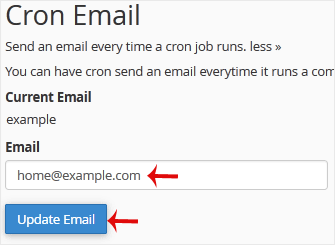



 English
  phone
phone
 Whatsapp
 Quote
Quote